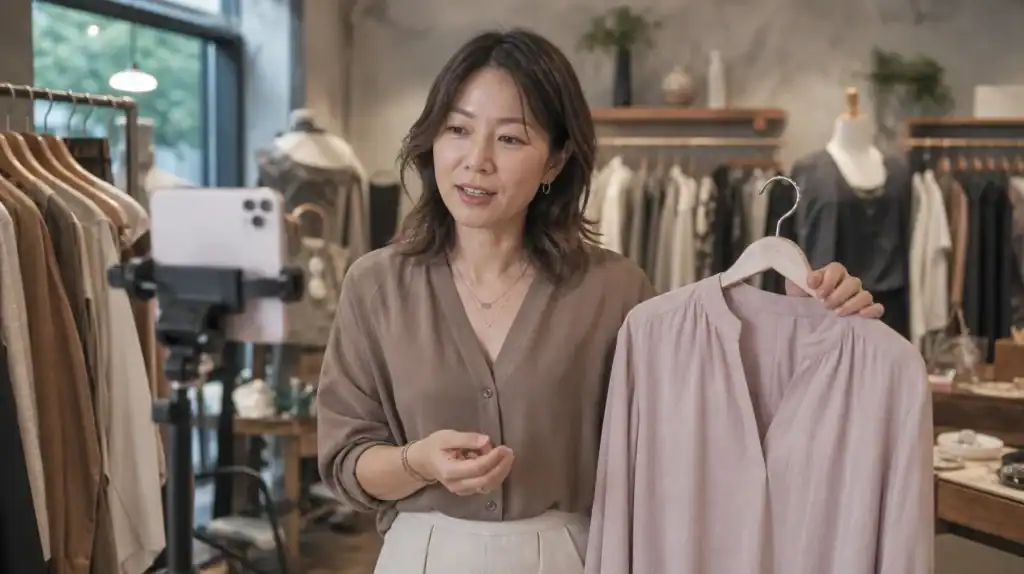
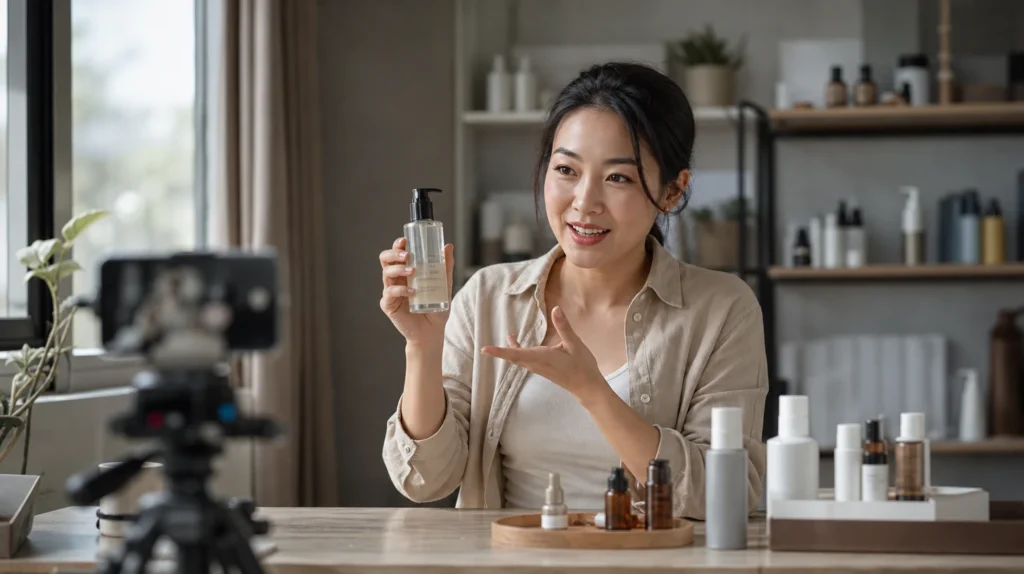
Launching a successful live shopping event setup demands more than simply turning on a camera. High-performing livestream selling channels combine professional visuals, smooth audio, and seamless ecommerce integration to drive conversion rates. If you want to convert viewers into buyers instantly, both your technical setup and checkout process must deliver an effortless experience from start to finish. Let’s break down what a solid live shopping setup requires—covering every device, software, and strategic step that moves products while building brand loyalty.
Why your live shopping setup matters for conversions
Your tech setup is the backbone of any high-converting live shopping event. It’s not just about looking good. Reliability builds trust, engagement, and enables instant purchasing decisions. When sound crackles, video buffers, or payments are clunky, shoppers click away fast. But when everything runs smoothly, your audience stays focused on the products—boosting both interaction and sales.
This means prioritizing tools and processes that nurture buyer confidence while eliminating friction in the checkout flow. Successful livestream selling starts with the right equipment, but true conversion power comes from pairing optimized streaming tech with frictionless payment technology built for impulse buying.
Essential gear for high-quality livestream selling
The difference between amateur streams and professional broadcasts often comes down to camera and equipment selection. Delivering sharp images, crisp sound, and accurate colors makes your products pop and encourages viewers to purchase directly on the stream.
Choosing a robust tech setup can seem overwhelming, but breaking it down into key categories helps you build a reliable foundation for every campaign.
Lighting: how does it impact product presentation?
Lighting makes or breaks your live shopping event setup. The right lights enhance product textures and details, creating lifelike visuals and minimizing shadows that could distort features. Natural-looking lighting builds credibility and makes colors pop without overexposure or strange hues.
Consider ring lights for even facial lighting or softboxes for broad coverage and ambiance. Position lights at 45-degree angles in front of your set, avoiding harsh overhead spots. LED panels enable you to fine-tune brightness and color temperature so viewers see exactly what they’ll buy.
Microphones: what should you choose for clear audio?
Poor audio ruins even the best video. Invest in either a condenser microphone for rich studio sound or a dynamic lapel mic for hands-free movement during demonstrations. Wireless microphones increase mobility if you move around your display.
Audio mixers give you control to adjust voice clarity and filter background noise for distraction-free delivery. Always test your microphones before going live and keep backup batteries ready to avoid losing connection mid-pitch.
Cameras: which models excel for live shopping events?
Camera and equipment selection depends on your location, budget, and desired broadcast quality. Modern smartphones with HD or 4K video capabilities work for entry-level productions, especially when paired with tripods and external lenses for stability and wide shots.
For top-tier visual fidelity, mirrorless or DSLR cameras lead the way. Connect them using capture cards for plug-and-play streaming compatibility. Multiple angles or secondary close-up cameras can highlight features or show off products from different perspectives, enriching the shopping experience.
Software and streaming platforms: what do you need for professional results?
Your tech setup reaches its full potential only with robust streaming software. OBS Studio, Streamlabs, and similar solutions offer layouts with overlays for on-screen product details and call-to-action buttons. These programs integrate scenes, graphics, and transitions to elevate production value.
Platform selection also matters. Popular social commerce ecosystems like Facebook Live, Instagram Live, YouTube, and specialized live shopping platforms each offer unique ecommerce integration tools for shoppable links or displaying live comments. Evaluate where your audience spends time and target those spaces to maximize impact.
Building your live shopping workflow step-by-step
A structured workflow transforms chaos into an organized, repeatable approach for every livestream selling event. Each phase—from planning to post-event analysis—drives performance by addressing logistics and maximizing reach.
Below is a common live shopping event setup everyone should follow to nail first impressions and amplify sales:
- Pre-show planning: outline objectives, products, promotions, and special announcements
- Technical run-through: test camera, audio, internet speeds, and lighting arrangements
- Script rehearsals: practice product presentations and call-to-actions
- Promotion and marketing strategies: drive pre-show interest via social media teasers or email blasts
- Go live: interact dynamically, spotlight top SKUs, answer real-time questions, and demo features
- Checkout flow: feature 1-click, embedded purchase solutions for immediate transactions
- Collect feedback: review analytics, user behavior, and engagement metrics afterward
Optimizing product presentation and audience engagement
Capturing attention is only part of the battle—holding it longer means mastering both product presentation and real-time interaction. Viewers expect compelling stories, transparent demos, and authentic hosts who connect rather than just sell.
Your equipment sets the stage, but consistent audience engagement sustains energy throughout the broadcast. A two-way channel makes buyers feel valued, fueling higher intent and post-event loyalty.
Dynamic visuals and detailed product demos
Don’t settle for static displays. Rotate items under consistent lighting, zoom in for close-ups, and show operational or fit specifics. Use split-screen or picture-in-picture to compare variants, helping indecisive customers make quick choices.
You can reinforce trust with live Q&A sessions or invite guest experts for extra credibility. Showing user-generated content, like testimonials or customer photos, validates claims and taps into peer influence.
Interactive tactics for stronger viewer retention
Turn passive spectators into active participants. Polls, quizzes, real-time giveaways, and flash discount codes spark urgency and sustain excitement. Assign moderators to monitor chat activity, address product queries, and prevent spam from disrupting the flow.
Personalized shout-outs to frequent commenters or top shoppers help build a tight-knit community. React promptly to audience feedback, adjusting your pitch or pacing based on their mood and interests.
How ecommerce integration and payment solutions drive sales
Even with the slickest camera and equipment selection, conversions stall if buying involves too many steps or redirects. Seamless ecommerce integration embeds purchase options—and inventory management—directly into your livestream platform, guiding users from desire to ownership in seconds.
Advanced setups allow for product tagging, automated cart generation, and secure processing without leaving the stream. Shorter paths mean fewer drop-offs, so embed checkout functionality that supports quick, confident purchases. See how checkout friction impacts revenue in our live shopping checkout guide.
| Integration feature | Impact on conversion |
|---|---|
| Native checkout in stream | Minimizes distractions, reduces abandonment |
| Shoppable tags | Allows instant product selection and adds to cart directly from video |
| Inventory syncing | Shows real-time stock levels, leveraging scarcity to prompt action |
| Automated upsells | Recommends related products, increasing average order value |
Promotion and marketing strategies for maximum viewership
No matter how polished your livestream selling production becomes, visibility relies on aggressive promotion and cross-channel exposure. Announce livestream schedules across all owned media days before launch—building FOMO and setting reminders drives higher attendance.
Social partners, paid ads, influencer collaborations, and countdown posts magnify reach among new prospects. Afterward, post-event highlights on YouTube, TikTok, or Instagram Reels ensure repeated touchpoints and organic audience growth.
- Email blast with show teasers and exclusive deals
- Paid retargeting campaigns
- Countdown timers on landing pages
- Affiliate programs with micro-influencers
Step-by-step guide: setting up for your next live shopping event
Not sure where to begin? Here’s a simple blueprint you can adapt and scale as needed. Follow these steps to ensure nothing gets missed during your next livestream selling push:
- Define your audience and select the optimal streaming platform. US boutique owners can start here.
- Curate a lineup of high-demand, visually appealing products.
- Source appropriate cameras, lights, microphones, and backgrounds.
- Install streaming software and test ecommerce integration features.
- Develop scripts highlighting benefits, handling objections, and prompting “add-to-cart” moments.
- Build anticipation through coordinated promotion and marketing strategies, including partnership outreach.
- Run a final technical setup check: verify streaming bandwidth, device connections, lighting consistency, and audio clarity.
- Deploy your live shopping event setup. Read your audience’s energy, adapt in real time, and maintain relentless focus on entertainment and conversion.
- After the event, analyze data—including peak viewers, transaction volumes, engagement spikes, and chat sentiment—for ongoing optimizations.
Frictionless checkout: the secret weapon for converting viewers into buyers
State-of-the-art tech setup lays your foundation, but rapid checkout pathways seal the deal. Picture a viewer mesmerized by your stunning product presentation and eager to buy—yet forced to exit the stream to navigate complex payment gateways. That’s wasted momentum and lost revenue.
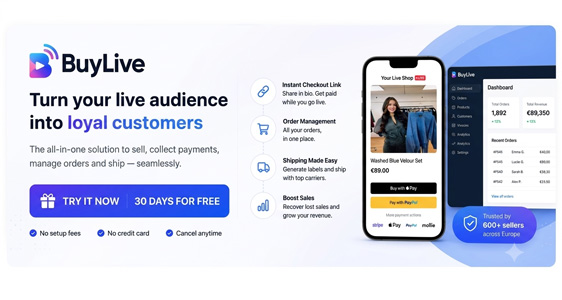
By placing 1-click frictionless checkout within the same feed, directly at the moment desire peaks, you trigger spontaneous buys and boost conversion rates. Platforms offering embedded payment links empower users to commit immediately and securely. For example, Buylive 1-click payment links make it easy to integrate seamless checkout into your stream. Pair this with your thoughtfully crafted equipment setup, and you’re not only commanding attention—you’re capturing dollars other sellers miss.
Make sure your live shopping setup removes every obstacle between interest and ownership. Integrate tech, software, and rapid-fire checkout links that respect your customer’s patience and impulsive instincts.
Boost your live shopping success with 1-click checkout links
Effortless selling begins and ends with a streamlined consumer journey. From flawless camera and equipment selection to bold product presentation, every detail matters—but nothing powers more sales than connecting live audiences with a frictionless, 1-click checkout right inside your broadcast. With Buylive’s seamless payment links embedded in your live streams and feeds, there’s zero guesswork and zero delay. Just instant gratification for your shoppers, and bigger returns for your business. Stop losing buyers to tedious transitions, and watch your conversion rates soar by making checkout as showstopping as your video.
What are the minimum technical setup requirements for a live shopping event?
High-speed internet connection (wired preferred).
HD camera (smartphone or better).
External microphone for clear audio.
Proper lighting (ring light or softbox).
Laptop or mobile device running streaming software.
Streaming platform account with ecommerce integration.
These essentials guarantee professional image, crisp sound, and uninterrupted streaming for your live shopping event setup.
How does frictionless payment improve live shopping conversions?
Frictionless payment allows buyers to check out instantly, without leaving the stream or re-entering shipping info. This eliminates cognitive drag, captures impulse buys, and prevents distraction-driven abandonment. Fast 1-click buying built into livestream selling has been shown to raise conversion rates by reducing obstacles between interest and purchase.
Which software platforms support the best ecommerce integration for live shopping?
Popular platforms that support strong ecommerce integration include Instagram Live, Facebook Live, YouTube Live, and numerous dedicated live shopping apps. Streaming software like OBS Studio and Streamlabs offers advanced customization and analytic tracking. Evaluate where your audience gathers and prioritize seamless payment linkage when selecting your platform for livestream selling.
Instagram Live: Shopping tags, direct checkout.
Facebook Live: Integrated shops, pinned links.
YouTube Live: Card annotations and merch shelf.
What are effective marketing strategies for promoting a live shopping event?
Announce with teaser videos and countdowns on social channels.
Send targeted email blasts with exclusive offers.
Partner with influencers and leverage affiliate incentives.
Share behind-the-scenes previews in Stories or Reels.
Retarget previous buyers with segment-specific invites.
Diversifying your promotional approach ensures maximum visibility and repeat attendance, fueling stronger live shopping results every session.